 MIDIPadidi
Take Control of Your Music Production
Transform your device into a powerful MIDI controller. Seamlessly interact with Ableton Live, FL Studio, Logic Pro, and more via pure MIDI communication.
Download Now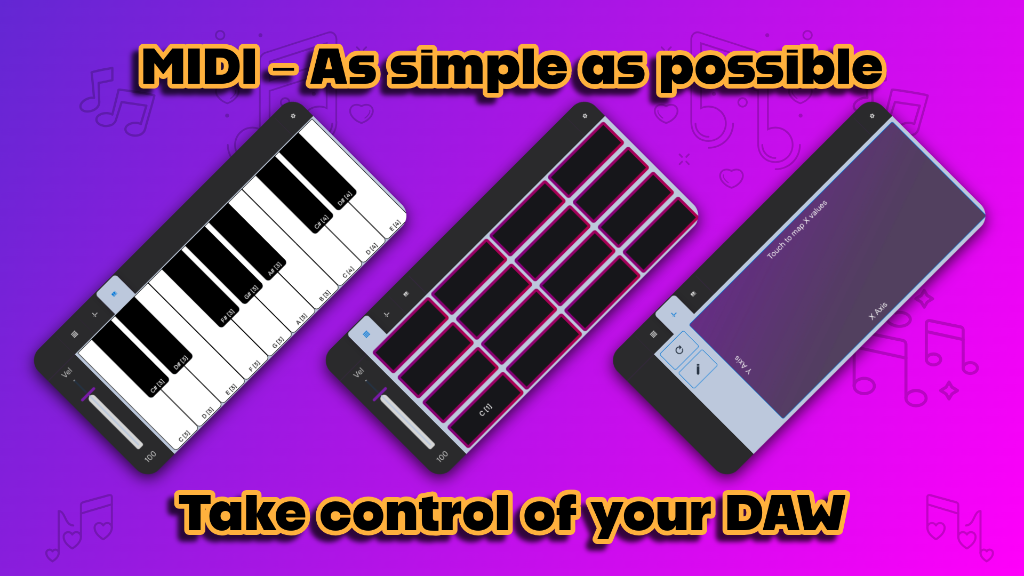
Key Features
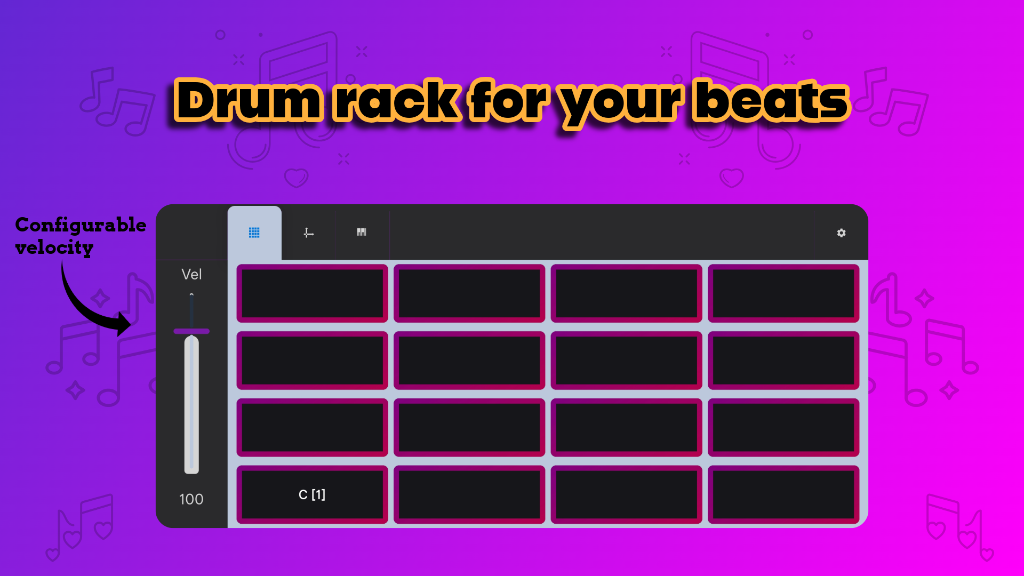
Trigger drum racks, samples, and loops with responsive pads. Configure velocity for expressive beats.
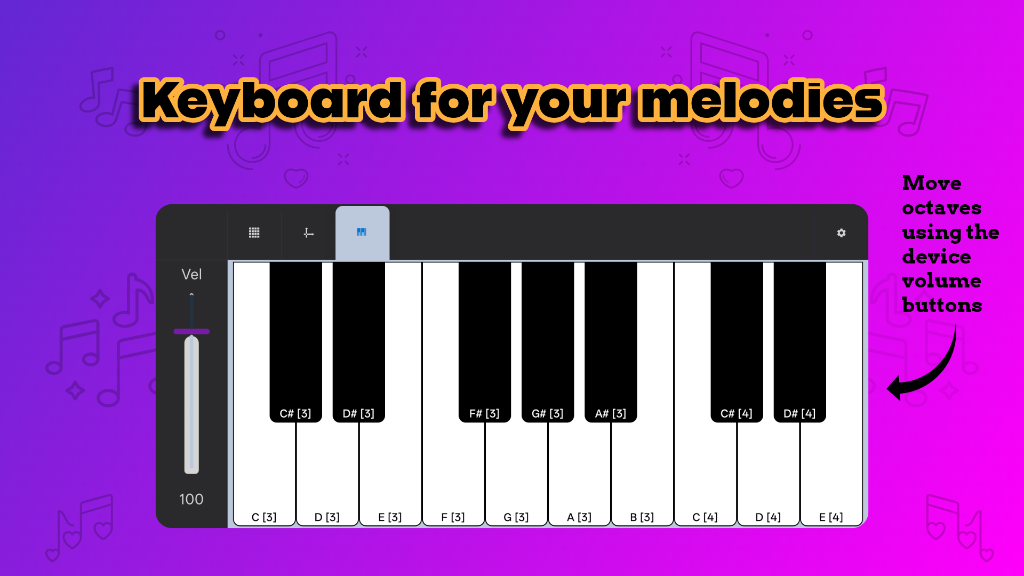
Play melodies and chords using an intuitive touch keyboard. Use volume buttons to shift octaves instantly.
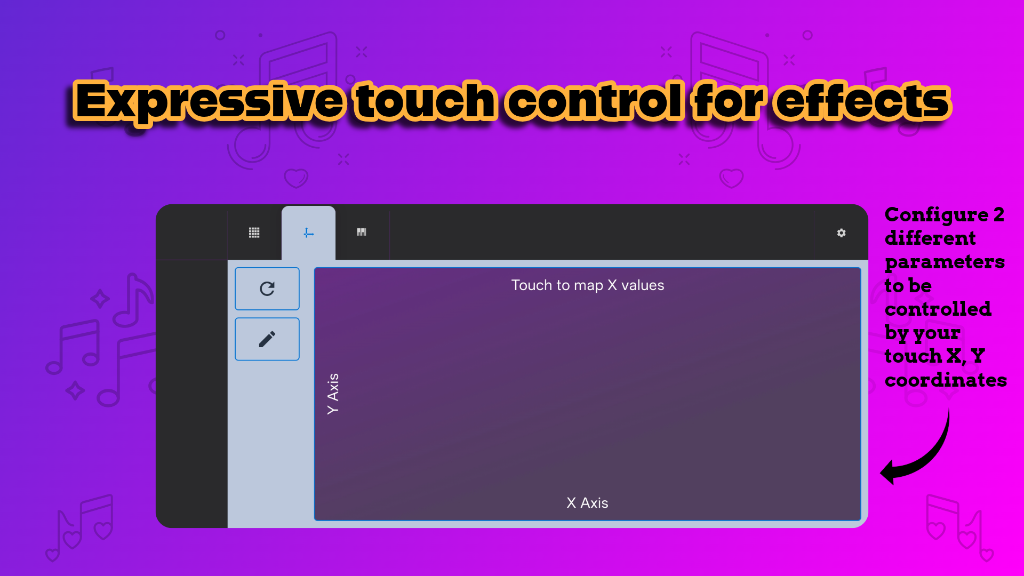
Map touch gestures (X/Y) to DAW parameters for unique expression beyond traditional controllers.
Why Choose MIDIPadidi?
- ✔ DAW Agnostic: Works with any DAW that supports MIDI (Ableton, FL, Logic, etc).
- ✔ Plug & Play: No extra hardware needed—just connect via USB in MIDI mode.
- ✔ Optimized for Touch: Designed to leverage your phone's touchscreen capabilities.
Screenshots
Quick Setup Guide
🔌 Connection
Connect your device via USB to your computer.
Select MIDI in the USB preferences menu on your Android device.
🎚 Mapping Touch Surface
1. Enable MIDI mapping in your DAW.
2. Tap "Touch to map X values" in the app (Sends MIDI event).
3. Repeat for Y values.
Use the 🔃 icon to reset or ✏️ to rename axes.